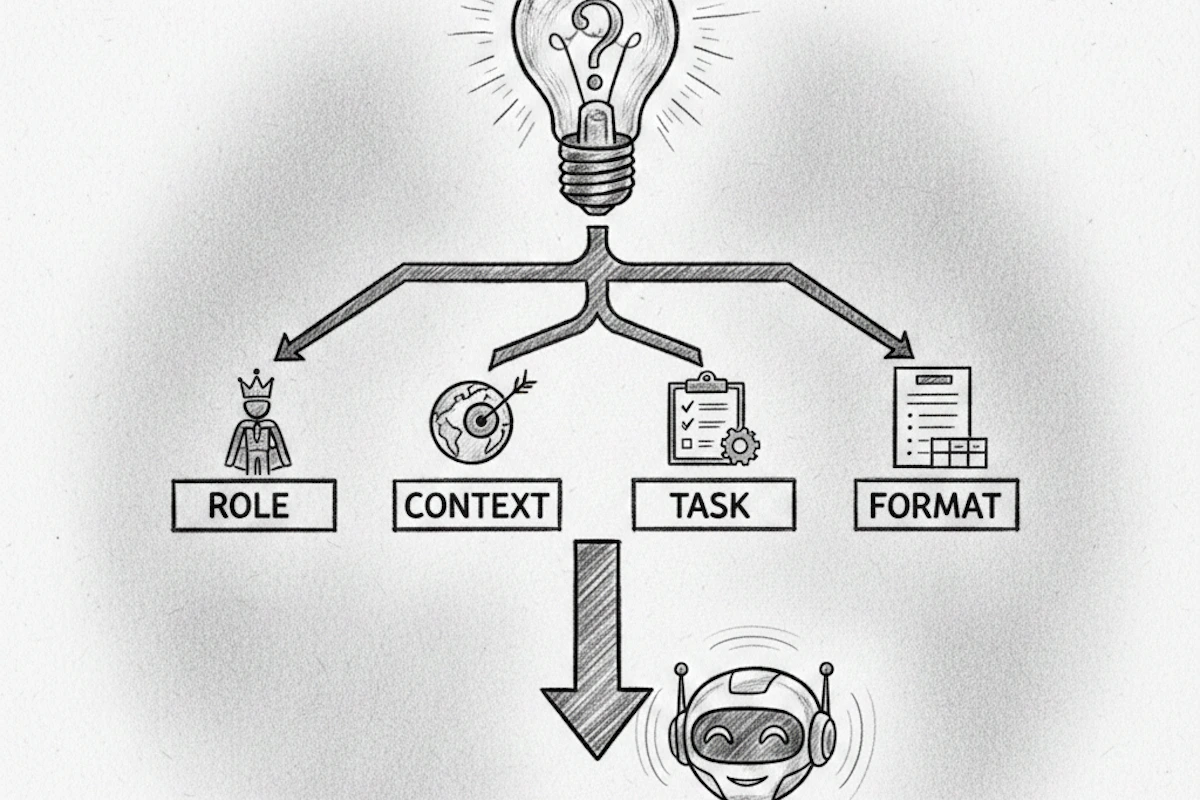

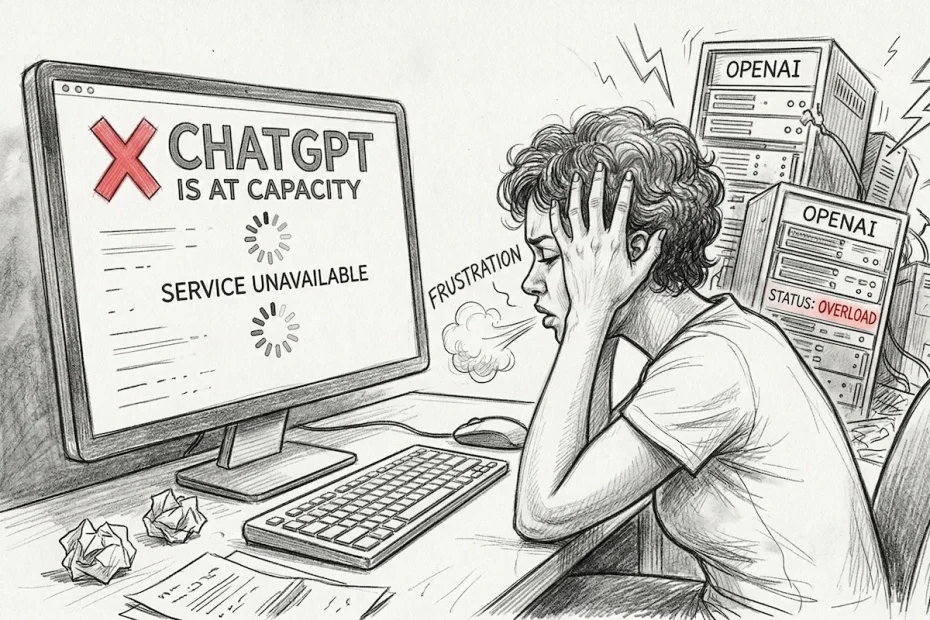
Artificial Intelligence has become the engine of our daily productivity. Whether it’s for coding, drafting complex emails, or translating documents, ChatGPT is the go-to tool. However, even the OpenAI giant is not infallible. Between saturated servers, network errors, and frustrating message limits, the user experience can quickly become an obstacle course.
Fortunately, alternatives like Free AI Online are emerging to offer total freedom: access to the best GPT models without the usual constraints or the recurring outages of classic interfaces.
1. Why does ChatGPT sometimes glitch?
There is nothing more annoying than an error message in the middle of an important task. ChatGPT malfunctions can stem from several sources, ranging from technical saturation to commercial limitations.
Massive server overload
OpenAI handles hundreds of millions of requests daily. During peak usage hours (often during business hours in Europe and the US), the Graphics Processing Units (GPUs) that power the AI reach their limit. This is when the famous message appears: “ChatGPT is at capacity right now.” The system then prioritizes paying subscribers, leaving free users on the sidelines.
Network errors and “Timeouts”
Sometimes, the model starts responding and then stops abruptly, leaving a sentence hanging. These interruptions are often due to connection instability or a request that is too complex, exceeding the allowed response time. The AI “thinks” for too long, and the link with your browser breaks before the response is finalized.
Free version restrictions (The “Soft-Lock”)
Many users mistake a commercial restriction for a technical bug. On the official platform, access to premium models (like GPT-4o or the o1/o3 reasoning versions) is limited. Once your small quota is exhausted, you are either downgraded to an obsolete model or completely blocked until the next day.
2. How to tell if the bug is ChatGPT or your connection?
When the screen freezes, you often wonder: “Is it my Wi-Fi or is the AI overloaded?” To avoid wasting time restarting your router unnecessarily, here are three essential diagnostic tools:
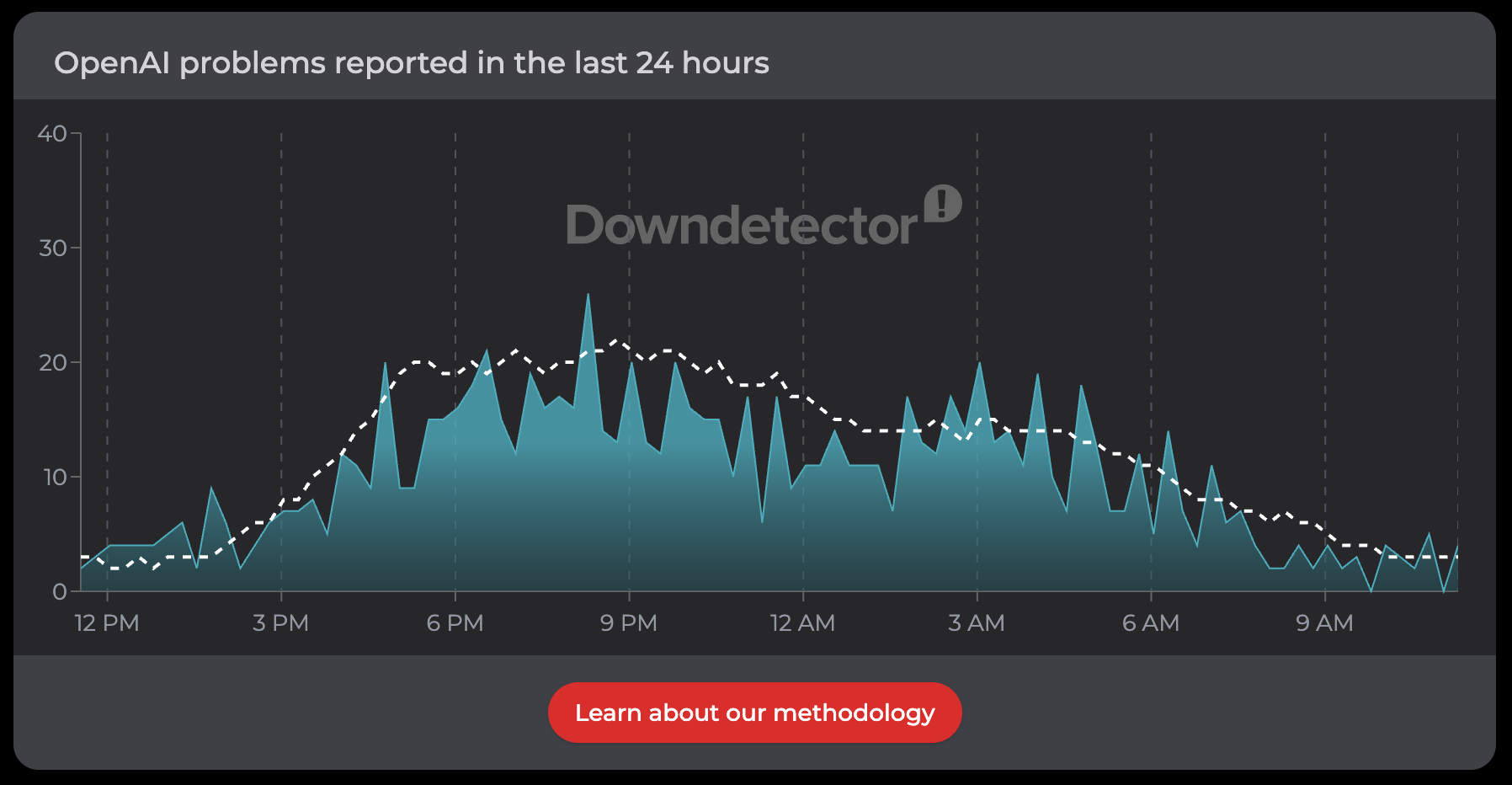
Down Detector
Down detector, the gold standard for seeing real-time user reports. If you see a sudden spike in the chart, it’s a collective outage.
Down for Everyone or Just Me
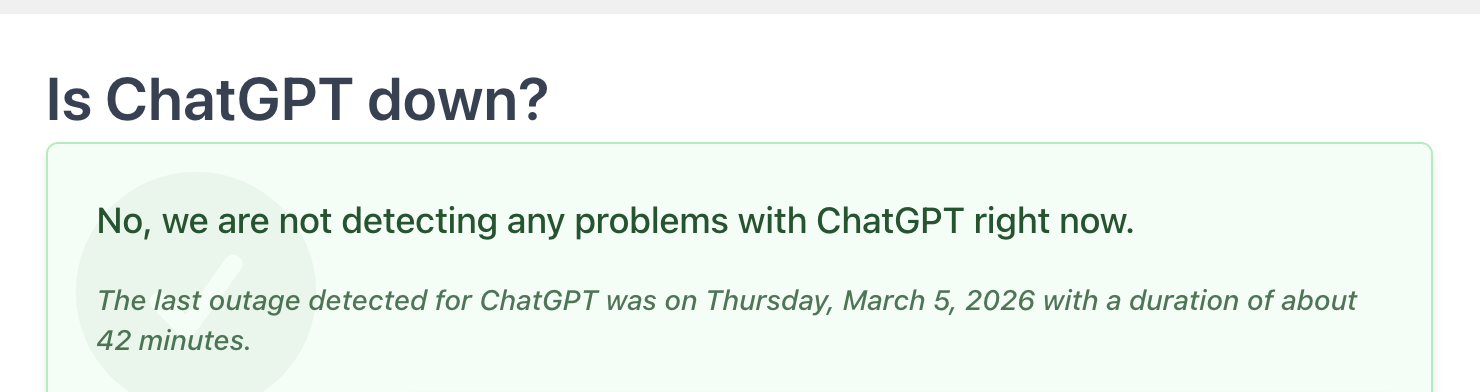
Down for Everyone or just me, an ultra-fast tool to check if the OpenAI server is responding or if it’s offline for the entire world.
The official OpenAI status page
This is the official dashboard. It details the health of their APIs. If everything is “green” but you are still blocked, your free quota has likely run out.

3. Most common symptoms to watch for
Identifying the type of bug helps you bounce back faster:
- Error 500: The page won’t load; the site is “down.”
- Mid-Response Cutoff: The response stops abruptly due to a connection timeout (Network Error).
- The Paywall: An insistent message asking you to upgrade to the “Plus” version to continue chatting.
4. Free AI Online: The ultimate, free, and unlimited alternative
Faced with these obstacles, our platform Free AI Online was designed for users who refuse barriers. Why choose us over the classic interface?
Zero registration, total anonymity
Most platforms require an email, a phone number, and sometimes even a credit card for a simple trial. At Free AIonline, we respect your privacy. You arrive, you ask your question, and you get your answer. No account required.
Access to the best models (GPT-5, Grok-4)
We provide you with the raw power of the latest models. While others limit access to the smartest versions, we allow you to use the best GPTs for your coding, analysis, or complex writing tasks, without compromising on quality.
Truly unlimited use
No more stressful counting. Our mission is to democratize AI. You can send requests back-to-back without fear of being blocked, making our site the perfect backup when OpenAI is saturated, or simply your primary daily tool.
Related: GPT-5: Why AI makes mistakes and how to spot them
5. How to optimize your experience on Free AI Online
To get the most out of AI without a hitch, here are some pro tips:
- Break down your tasks: For very long texts, ask the AI to work step-by-step. This prevents “timeout” glitches.
- Be precise: A detailed prompt reduces the risk of logic errors.
- Refresh without fear: If a response seems frozen, simply refresh the page. Since we don’t impose strict limits, you won’t lose your access.
AI without limits is finally here
AI should not be reserved for those who can afford a $20/month subscription or those willing to give up their personal data. By using Free AIonline, you bypass server outages and frustrating restrictions.
Ready to test the power of the latest GPT models without any constraints?
Explore our interface now and discover a new way to use Artificial Intelligence.